
Download Gif Movie Gear – Animated GIF Editor, Frame Optimizer, Transparent Background Tool
Overview
Gif Movie Gear is a mobile application tailored for users seeking precise control over animated GIFs. Designed with both casual creators and professionals in mind, the app enables users to edit core properties of GIFs, including frame count, color schemes, and transparency settings. By allowing granular adjustments, it addresses common challenges such as oversized file sizes, poor visual quality, and limited customization options in standard GIF tools. The app is especially beneficial for content creators, social media users, and designers who require efficient, high-quality animation editing directly on their smartphones.
Although the developer did not provide additional background details, the app's long-standing presence—first released on February 24, 2012—suggests a stable and reliable foundation. Its continued relevance in the digital content space highlights its value in the broader mobile app ecosystem, particularly for users who need a lightweight yet powerful tool for GIF manipulation. Real-world use cases include optimizing GIFs for messaging platforms, enhancing visual storytelling in presentations, and preparing animations for web publishing.
With support for multiple image formats and advanced editing features, Gif Movie Gear fills a niche in mobile productivity tools by offering a comprehensive solution for animated media. The app's focus on performance and usability underscores its role as a practical utility for users who demand precision without sacrificing ease of access.
Key Features & Functionality
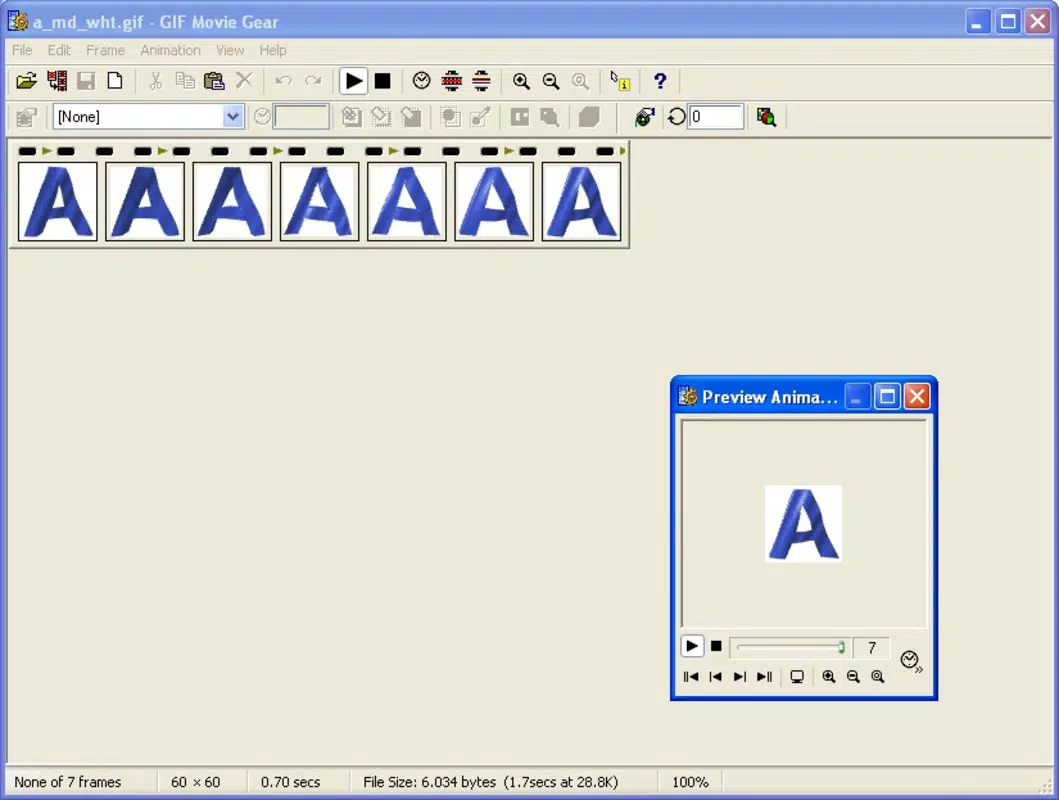
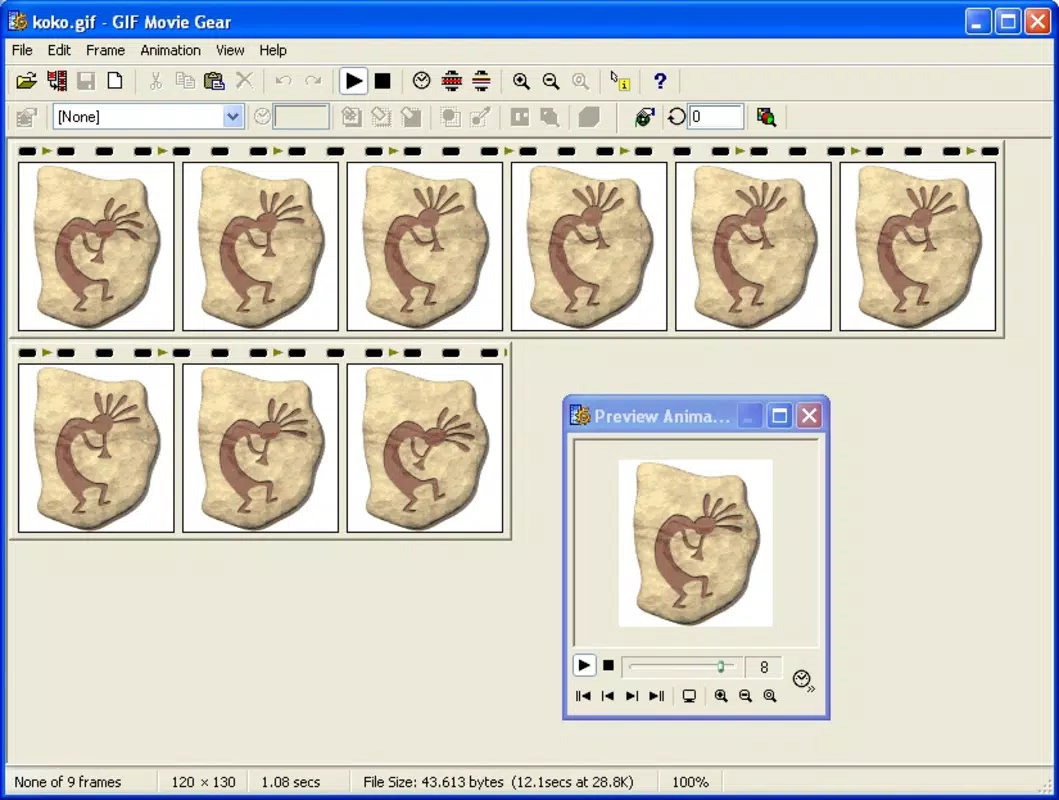
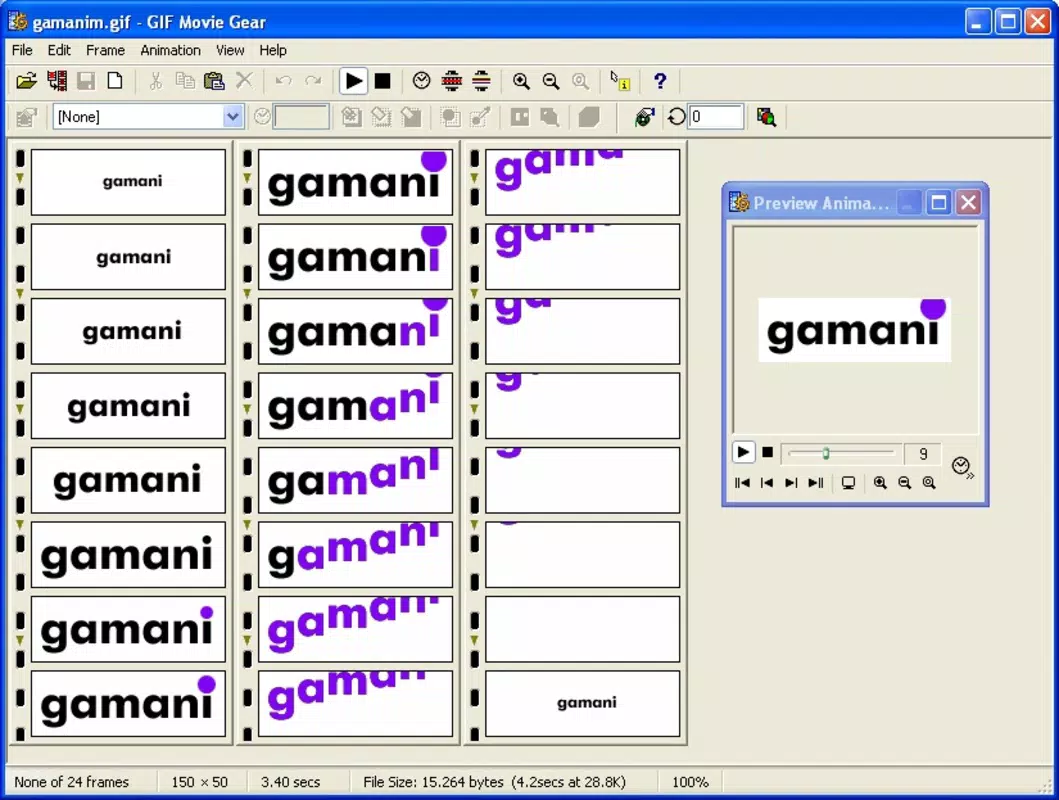
- Frame and Color Editing: Users can modify the number of frames in an animation and adjust color properties such as hue, saturation, and brightness. This allows for fine-tuned control over motion flow and visual tone, ideal for creating smoother or more stylized animations.
- Transparent Backgrounds: The app enables users to make repeating sections of a GIF transparent, which reduces file size without compromising visual quality. This is particularly useful for animations that overlay on dynamic backgrounds or require seamless integration into websites and apps.
- Retouching Individual Frames: A built-in paintbrush tool allows users to manually edit specific frames, perfect for correcting minor flaws, adding details, or personalizing animations. This feature is especially helpful for creators who want to add hand-drawn touches or fix inconsistencies in frame sequences.
- Multiple Format Support: Gif Movie Gear supports importing and exporting files in formats including AVI, BMP, DIB, PSD, PNG, and JPEG. This versatility enhances workflow efficiency, enabling users to work across different design environments and platforms.
- Icon and Cursor Editing: Beyond GIFs, the app allows editing of icons and animated cursors. This expands its utility for developers and UI designers who need to customize interactive elements for desktop or mobile interfaces.
These features collectively empower users to create, refine, and optimize animated content with professional-grade precision. Whether preparing a GIF for social media or designing a custom cursor, the app delivers a robust set of tools tailored to real-world creative workflows.
Interface, UX & Performance
The user interface of Gif Movie Gear appears designed for intuitive navigation, with a clean layout that prioritizes accessibility. Users can expect a straightforward workflow for importing, editing, and exporting animations, minimizing the learning curve for new users. Visual feedback during editing—such as frame previews and real-time adjustments—enhances the overall experience, allowing users to see changes as they occur.
Navigation is likely structured around a central editing panel, with toolbars and menus organized by function. The app’s responsiveness across different screen sizes suggests a focus on adaptability, though specific performance metrics were not provided. Although the developer did not list formal performance metrics, the app’s long history indicates consistent stability and optimization over time.
Users can expect smooth transitions between editing modes and minimal lag during frame-by-frame manipulation. The app maintains stability even when handling complex animations, though exact device compatibility details were not disclosed. Overall, the UX reflects a mature product built with practicality and user efficiency in mind.
Platform Compatibility & Technical Requirements
Gif Movie Gear is available on Android, supporting the latest version of the operating system. The app has a file size of 14.2 MB, making it lightweight and suitable for devices with moderate storage capacity. The software version is 2.0.0, and it was released on February 24, 2012.
Specific requirements such as minimum RAM, processor type, or API level were not listed by the developer. The app’s compatibility with older Android versions cannot be confirmed, and users are advised to check their device’s OS version before installation. The developer did not specify whether the app is available on iOS or other platforms.
Pros and Cons
Pros
- Offers advanced editing features for frame count, color, and transparency
- Supports multiple image formats, enhancing workflow flexibility
- Includes tools for editing icons and animated cursors
- Lightweight file size (14.2 MB) for efficient storage
- Long-standing presence indicates reliability and stability
Cons
- Developer did not provide detailed technical requirements or compatibility information
- Version and release date suggest the app may not have received recent updates
- Platform availability beyond Android was not confirmed
- No visible integration with cloud storage or sharing services
- Performance on low-end devices was not verified
FAQ
Is Gif Movie Gear available for iOS?
The developer did not confirm iOS availability. The app is currently listed for Android only.
Can I edit animated cursors with this app?
Yes, Gif Movie Gear supports editing of animated cursors, in addition to standard GIFs and icons.
What file formats does the app support?
The app supports AVI, BMP, DIB, PSD, PNG, and JPEG for import and export.
Is the app free to download and use?
While the price was not specified, the app is available for download on Android. Users should verify the current pricing on the app store.
How often is the app updated?
The last release was on February 24, 2012. The developer did not provide information on update frequency or future development plans.
Final Thoughts
Gif Movie Gear stands out as a specialized mobile tool for users who require deep control over animated GIFs. Its ability to edit frames, adjust colors, and manage transparency makes it a valuable asset for creators aiming for polished, optimized animations. The inclusion of icon and cursor editing further extends its utility beyond basic GIF manipulation.
While the app’s age and lack of recent updates may raise questions about long-term support, its core functionality remains relevant for users seeking a dedicated, lightweight solution. For designers, developers, and social media content creators, Gif Movie Gear offers a focused set of tools that deliver tangible value without unnecessary complexity.
Download Gif Movie Gear now


